📱 In-App URLs
Links that render seamlessly inside your application window, preserving the native navigation bar and active shopping session.
Whenever a user clicks a hyperlink inside your mobile application, WiXO consults your Link Handling rules to determine whether to render the page inside the app shell or hand off the request to the device’s native browser (Safari on iOS or Chrome on Android).
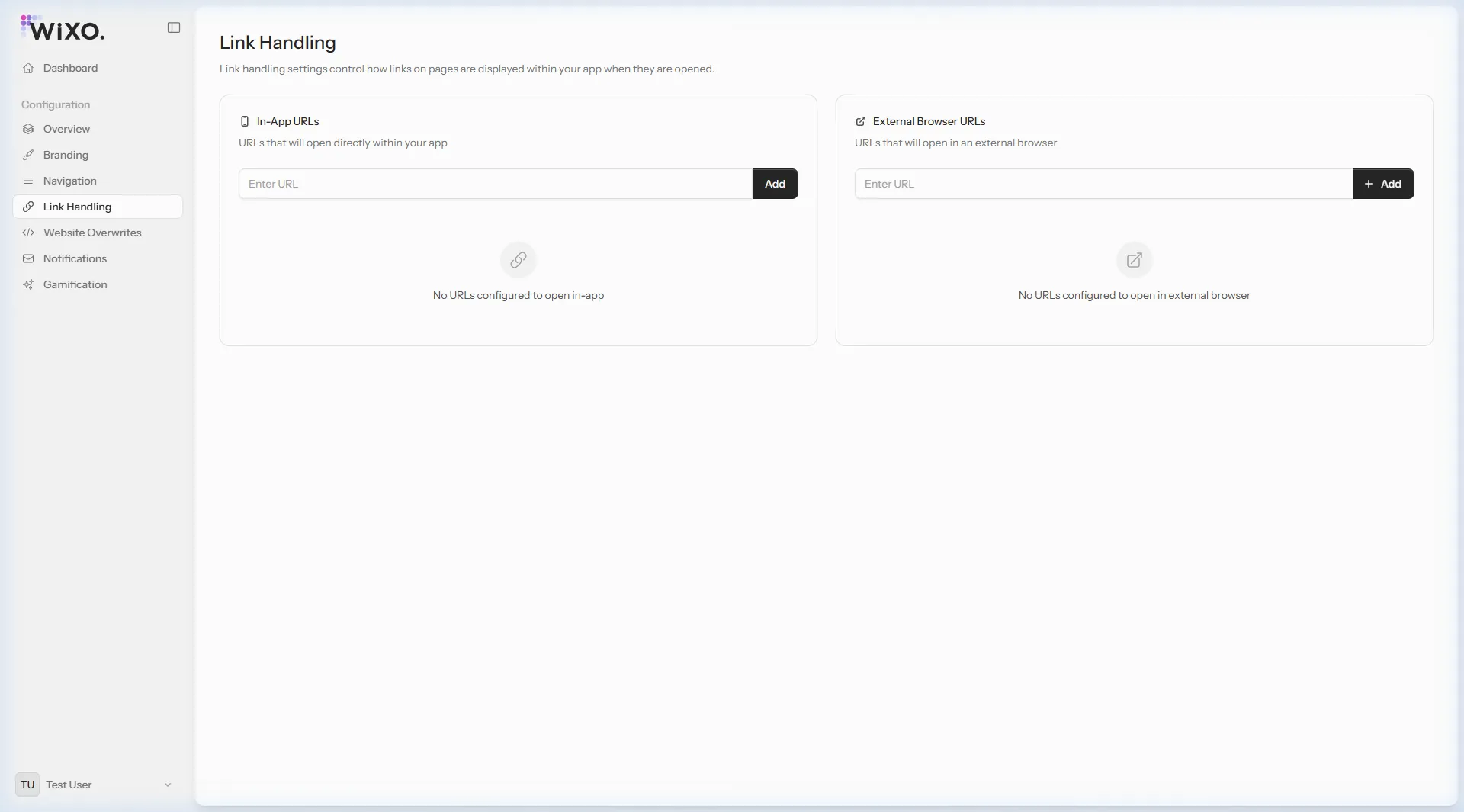
📱 In-App URLs
Links that render seamlessly inside your application window, preserving the native navigation bar and active shopping session.
🌐 External Browser URLs
Links that launch the system browser (Safari / Chrome). Ideal for external partnerships, payment gateways, and social networks.
By default, URLs under your primary store domain stay inside the app.
https://blog.trendstyle.bg or https://checkout.trendstyle.bg), add them here to ensure shoppers are never booted out of your app environment.We strongly suggest assigning the following link categories to open externally:
https://instagram.com/*, https://facebook.com/*, https://tiktok.com/*